
Handmade U
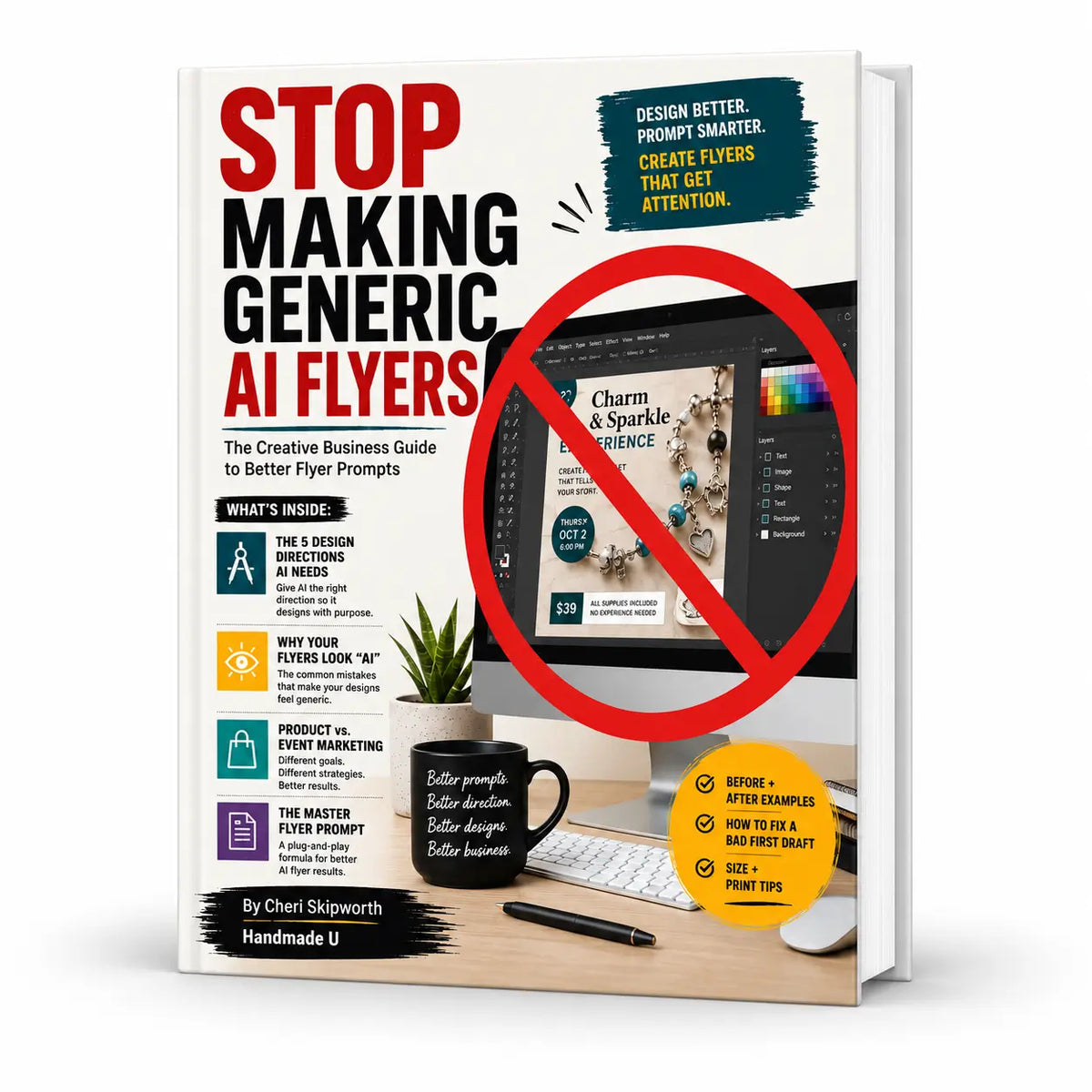
Stop Making Generic AI Flyers: The Creative Business Guide to Better Flyer Prompts
Stop Making Generic AI Flyers: The Creative Business Guide to Better Flyer Prompts
Couldn't load pickup availability
Don’t let AI be the creative director of your handmade business.
Learn how to give AI the visual direction it needs to create flyers that feel intentional, clear, and more like your brand.
AI usually understands what words belong on a flyer.
The harder part is getting it to understand how the flyer should look.
When you type something like “Create a cute flyer for my craft class,” AI has to decide what “cute” means. It chooses the fonts, colors, layout, decorations, imagery, and overall style for you.
That’s how handmade businesses end up with flyers full of rainbow lettering, random sparkles, clip art, crowded boxes, too many fonts, and generic craft graphics.
Stop Making Generic AI Flyers teaches you a better approach.
You’ll learn how to give AI clear art direction so you stay in control of the creative decisions while using tools such as ChatGPT, Canva AI, and other AI design tools to help execute the idea.
What You’ll Learn
Inside this 20-page PDF guide, you’ll learn how to direct AI using five key design areas:
- Visual Reference — tell AI what kind of professional design your flyer should resemble
- Layout — control what gets attention first and how information is organized
- Typography — choose clearer font direction instead of letting AI mix too many styles
- Graphic Style — guide AI toward useful imagery instead of generic craft symbols
- Brand Personality — help the design actually feel like your business
You’ll also learn how to use the five-second test so someone can quickly understand the offer, benefit, details, and next step instead of trying to read an overcrowded flyer.
You’ll Also Get
The guide goes beyond basic prompting with practical examples and tools, including:
- A Master Avoid List for common AI craft-design habits
- Generic vs. stronger flyer comparisons
- Step-by-step examples showing how a basic prompt becomes real art direction
- Guidance for product flyers
- Guidance for event flyers
- Tips for showing product scale and results
- Print, margin, bleed, and social-sizing considerations
- A three-round process for improving a weak first draft
- A reusable Master Flier Prompt you can adapt to future products and events
Before This Guide
You may be:
- Rewriting the same prompt over and over
- Asking AI to make something “cute,” “professional,” or “eye-catching”
- Getting designs that feel cluttered or obviously AI-generated
- Letting AI choose your layout, fonts, imagery, and visual priorities
- Trying to squeeze every piece of information onto one flyer
After This Guide
You’ll have a clearer process for telling AI:
- What deserves attention
- How the information should be arranged
- What typography fits your business
- What imagery should be used
- What visual elements should be avoided
- Who the design needs to appeal to
That is the core shift in the guide: AI is still creating with you, but you are making the creative decisions.
Product Flyers and Event Flyers Are Not the Same
One especially useful part of the guide is that it separates the jobs of these two types of marketing.
For a product flyer, the product usually needs to be the hero. The guide covers priorities such as the product image, benefit, price, important inclusions, and purchase action. It also explains when visuals such as supplies → making → finished result can help customers understand a craft product.
For an event flyer, the goal is participation. The flyer should get attention and communicate the essential information quickly rather than trying to replace the full registration page.
That distinction makes this more useful than a generic “AI prompt pack.”